
 Documentation
 Join our Discord
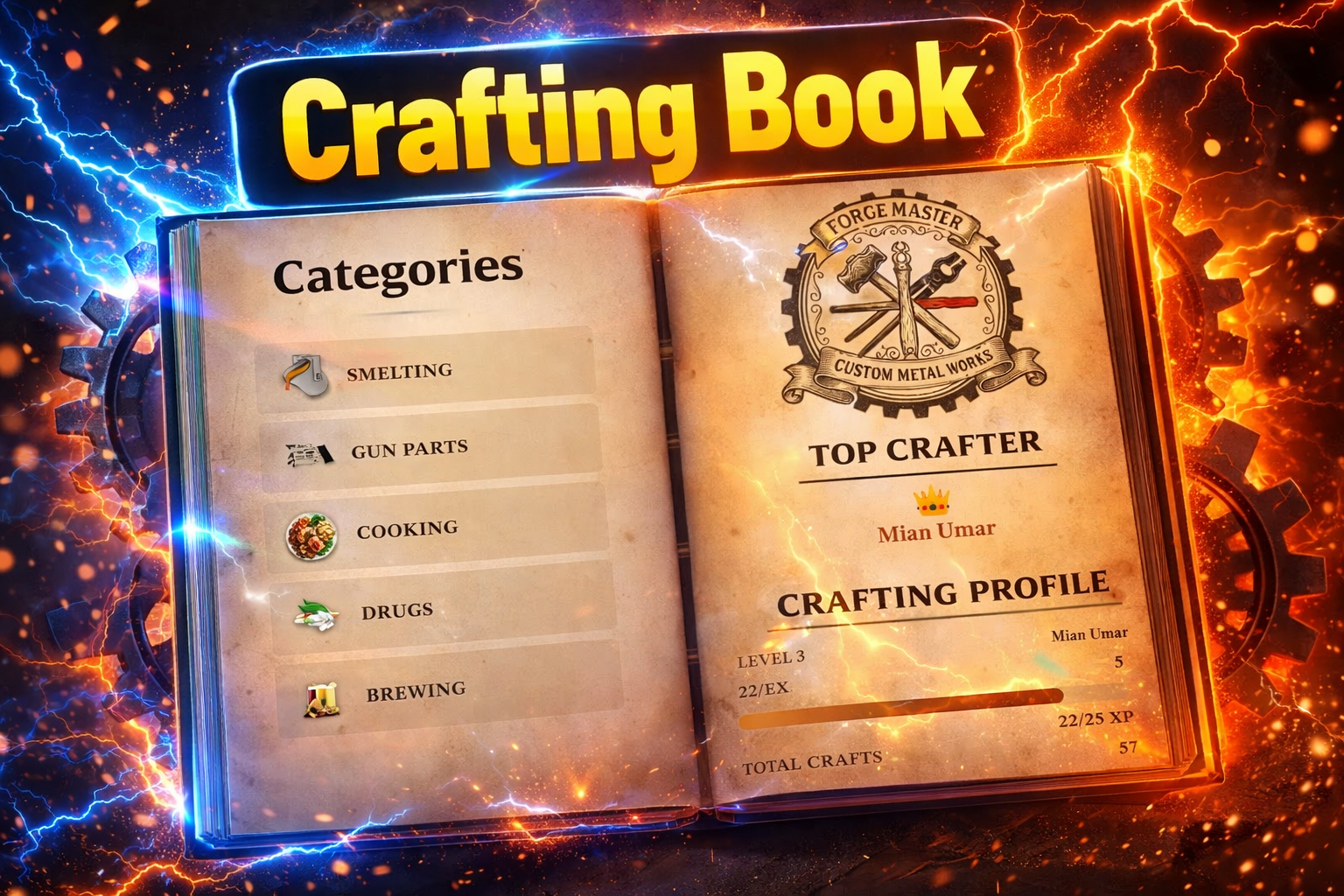
Crafting Book
Overview 🧾
- A lightweight RedM/VORP crafting system where players use a “Recipe Book” 📖 item to open an animated NUI crafting UI.Fully config-driven via config.lua , letting you define categories, recipes, icons, XP, and locations without touching core code.Supports optional crafting locations with blips, plus XP/level progression and stored crafting statistics.
Features ✨
- Animated recipe book UI with page-turn sound and flip effects
- Multiple crafting categories, each with its own inventory item (book)
- Per-category and per-recipe job restrictions with multi-job support
- Quantity selector allowing players to craft multiple items in one session
- Crafting time scaling based on selected quantity (`quantityTimeIncrease`)
- Synced progress bar that accurately reflects the total crafting time
- XP and levelling system with configurable XP per craft and max level
- Crafting location zones — restrict book usage to specific map coordinates
- Map blips for crafting stations with customisable sprite, colour, and name
- Per-recipe, per-category, and global animation support (`anim` and `scenario` types)
- Ingredient badges showing required items, quantities, and owned amounts with icons
- Live ingredient availability check — badges update as inventory changes
- Category leaderboards showing the top 3 crafters per category
- Global top crafter display updated in real time across all players
- Recipe detail pages with description, instructions, yield, and output info
- Version checker that notifies on startup if the resource is outdated
- Debug mode for server-side console logging during development
Dependencies 🔧
- | `vorp_core` | Player job and character data |
- | `vorp_inventory` | Item registration, usage, and inventory management |
- | `vorp_progressbar` | In-world crafting progress bar displayed during crafting |
- | `oxmysql` or `ghmattimysql` | Database storage for XP, levels, and crafting stats |
Preview : Click me
Discord : Click me
Documentation : Click me