
 Documentation
 Join our Discord
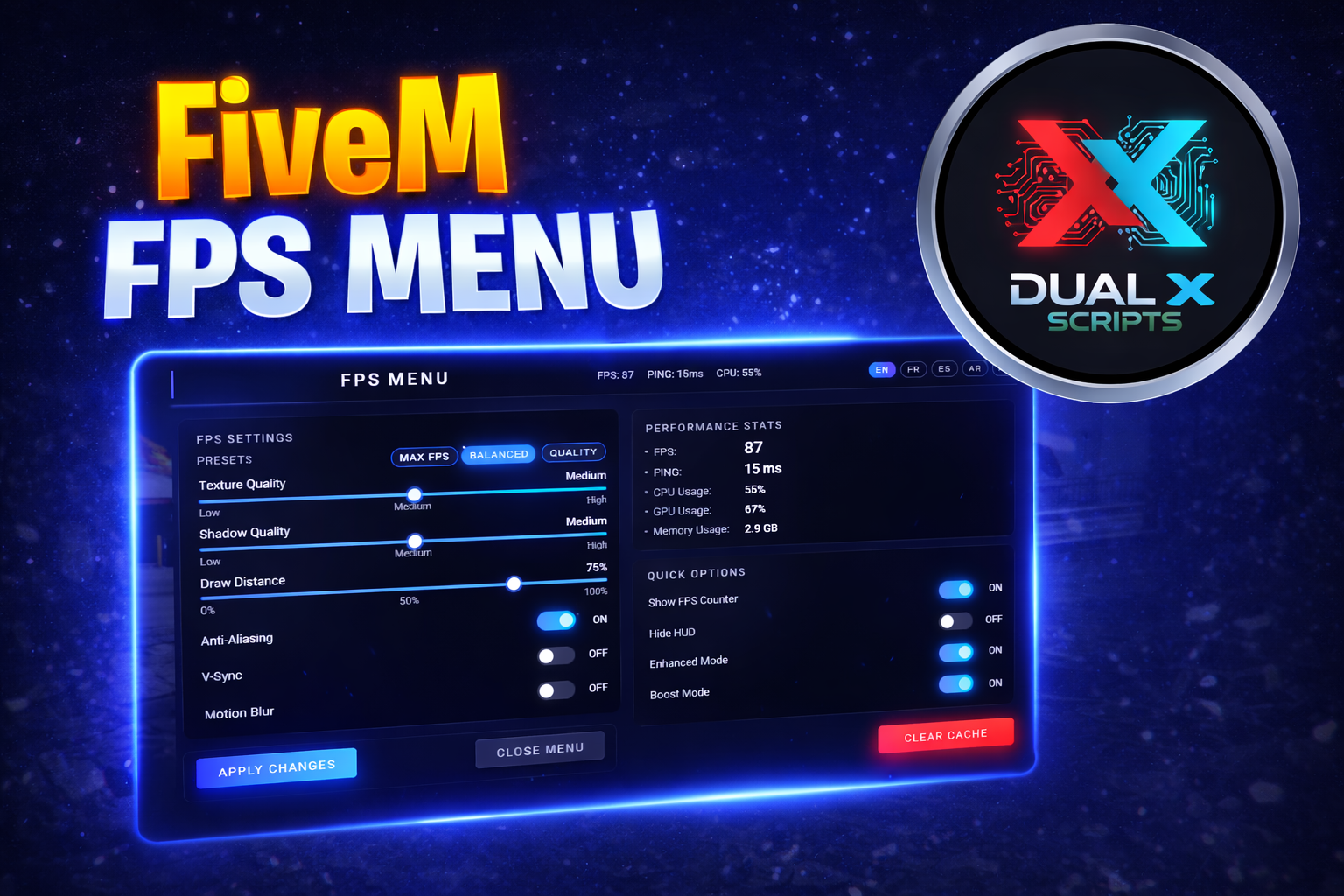
DXS Fps Menu
Overview
- High‑quality FPS and performance menu for FiveM, built for both **ESX** and **QBCore** servers. Includes a modern NUI interface, live FPS overlay, presets, multi‑language support, and per‑player settings.
Features
- Clean FPS menu UI closely matching AAA game style.
- Works on ESX, QBCore, or vanilla FiveM (no hard dependency).
- FPS settings:
- Texture Quality (Low / Medium / High)
- Shadow Quality (Low / Medium / High)
- Draw Distance (0–100%)
- Anti‑Aliasing, V‑Sync, Motion Blur toggles - Performance stats:
- FPS (calculated client‑side)
- Ping (synced from server)
- Estimated CPU / GPU / Memory usage (visual only) - Quick options:
- Show FPS Counter (screen overlay)
- Hide HUD
- Enhanced Mode
- Boost Mode (extra aggressive performance tuning) - Presets:
- MAX FPS, BALANCED, QUALITY - Multi‑language UI:
- English (EN), French (FR), Spanish (ES), Arabic (AR) - Per‑player settings:
- Saved via QBCore metadata when available
- Stored in memory for ESX/other frameworks for current session - Open with chat command or keybind:
- `/fpsmenu`
- `F10` (configurable via key mapping)
Dependencies
- Optional integrations:
- ESX (v1 / v2) – for identifying players and storing runtime data.
- QBCore – for persistent metadata storage of player settings.
Preview : Click me
Discord: Click me
Documentation: Click me